
Painless infrastructure visibility.
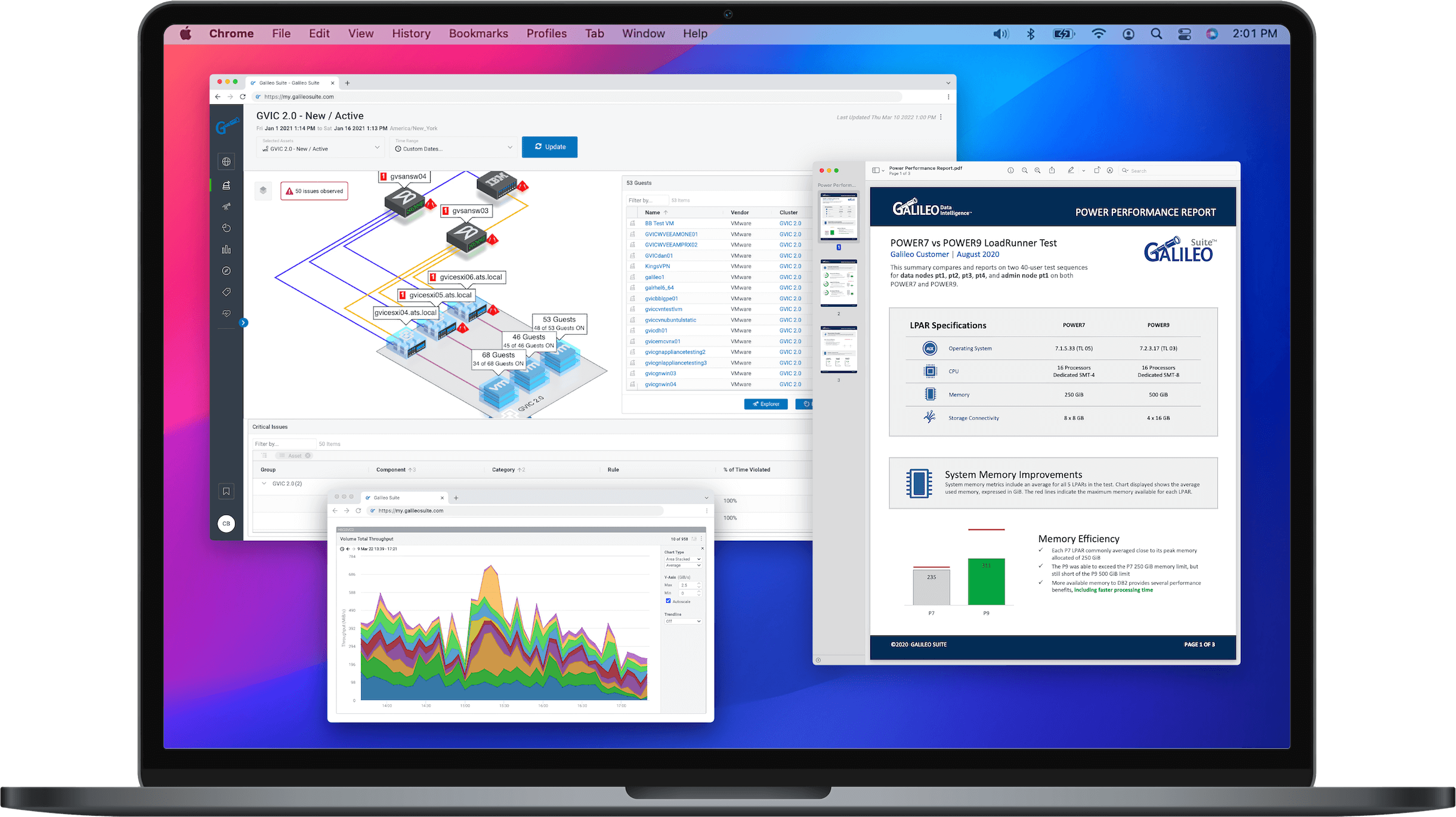
We’re more than a monitoring tool. We’re expert guidance to help you resolve challenging IT issues and promote the growth of your organization.

scroll
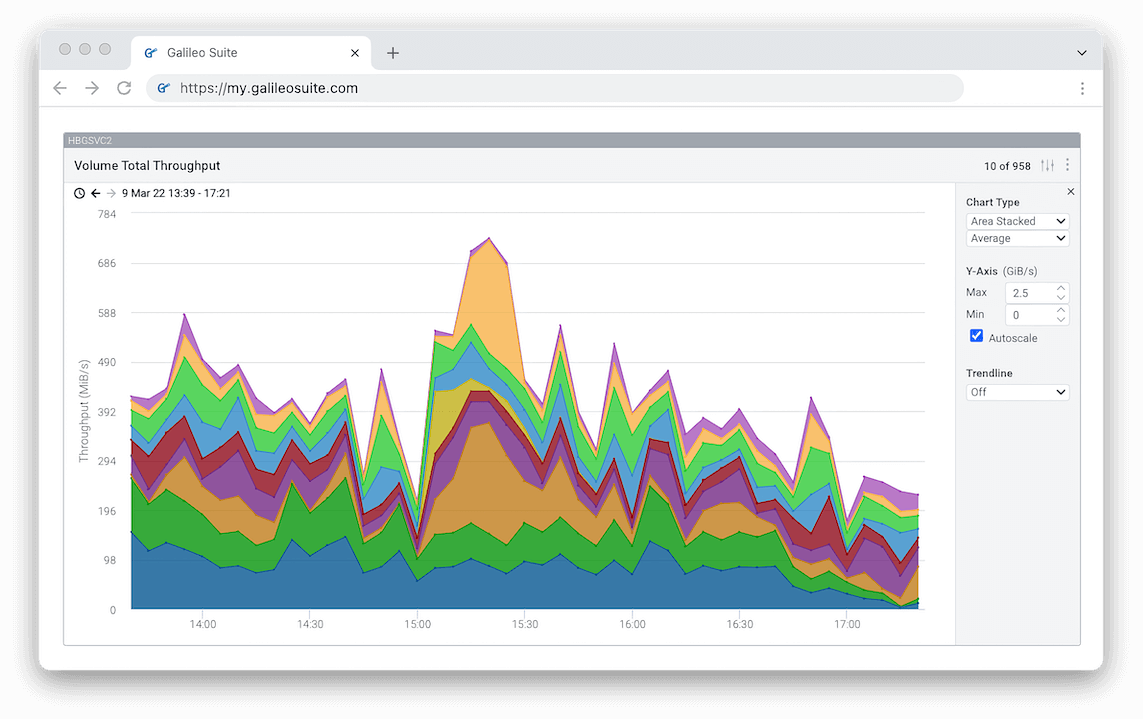
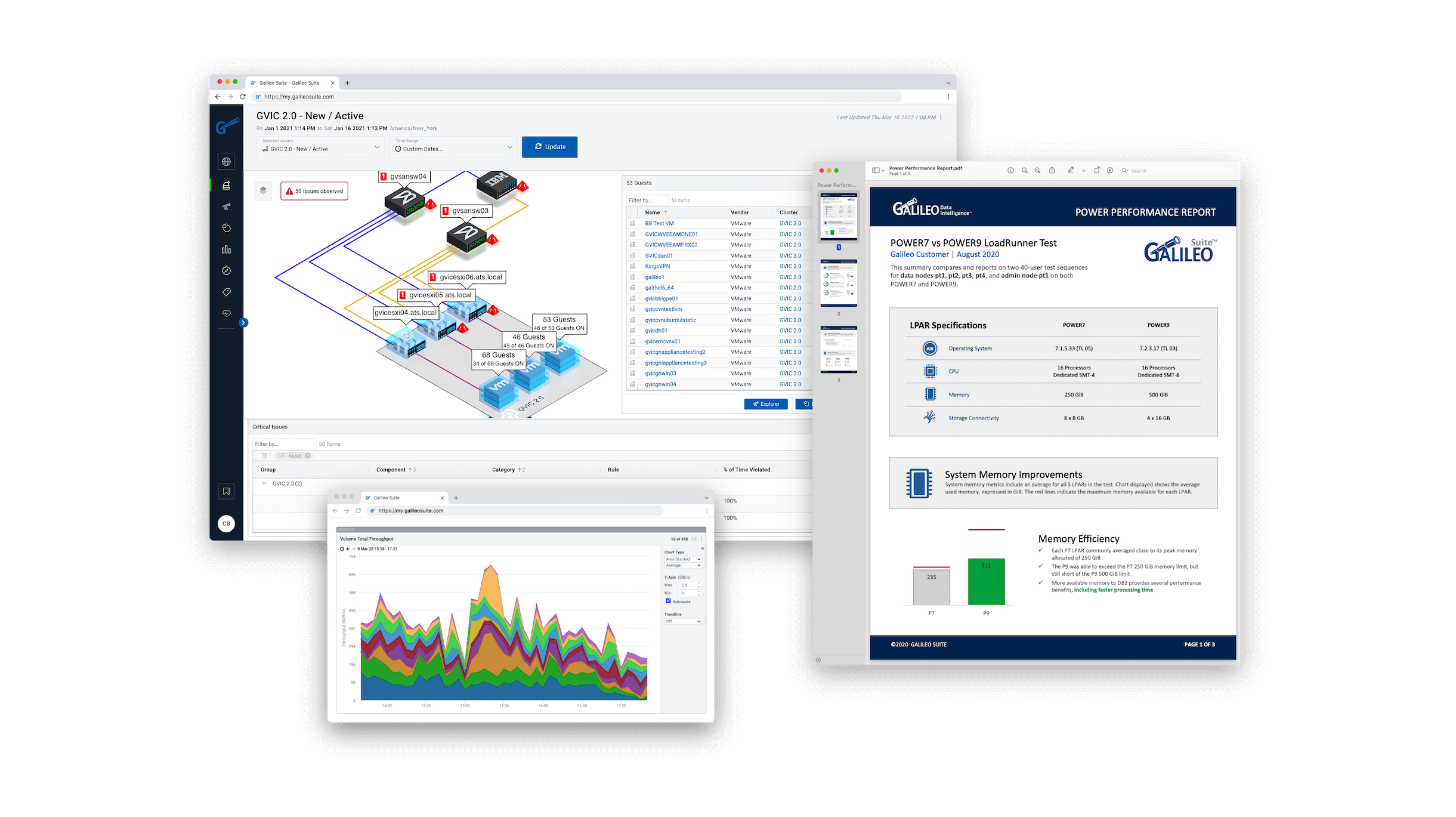
Painless infrastructure visibility.
We’re more than a monitoring tool. We’re expert guidance to help you resolve challenging IT issues and promote the growth of your organization.
Trusted and loved by businesses of all types and sizes.






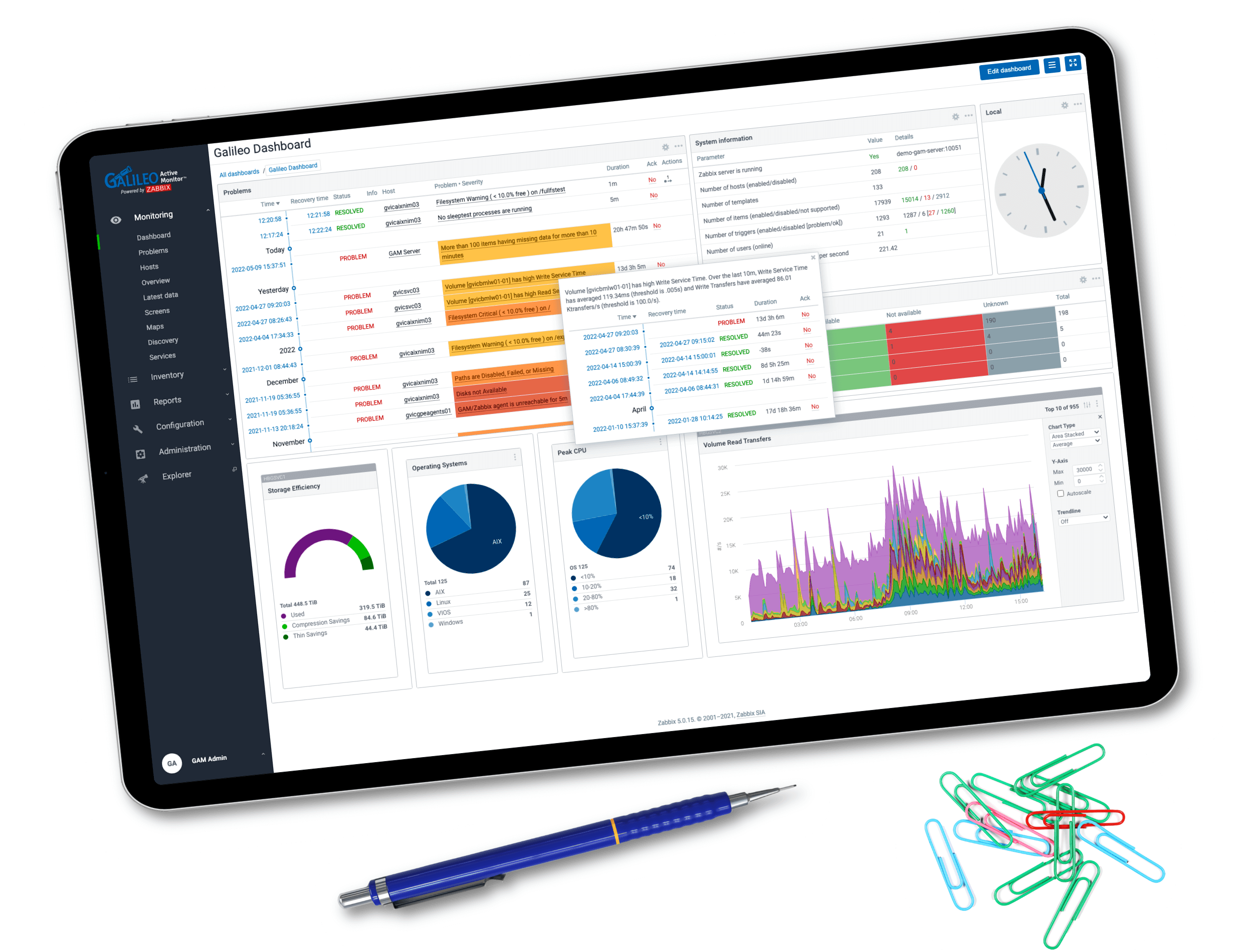
Feature-rich for technical users.
Galileo will exceed the expectations of the most demanding power users by providing plenty of customization options for a wide range of on-prem and Cloud technologies.
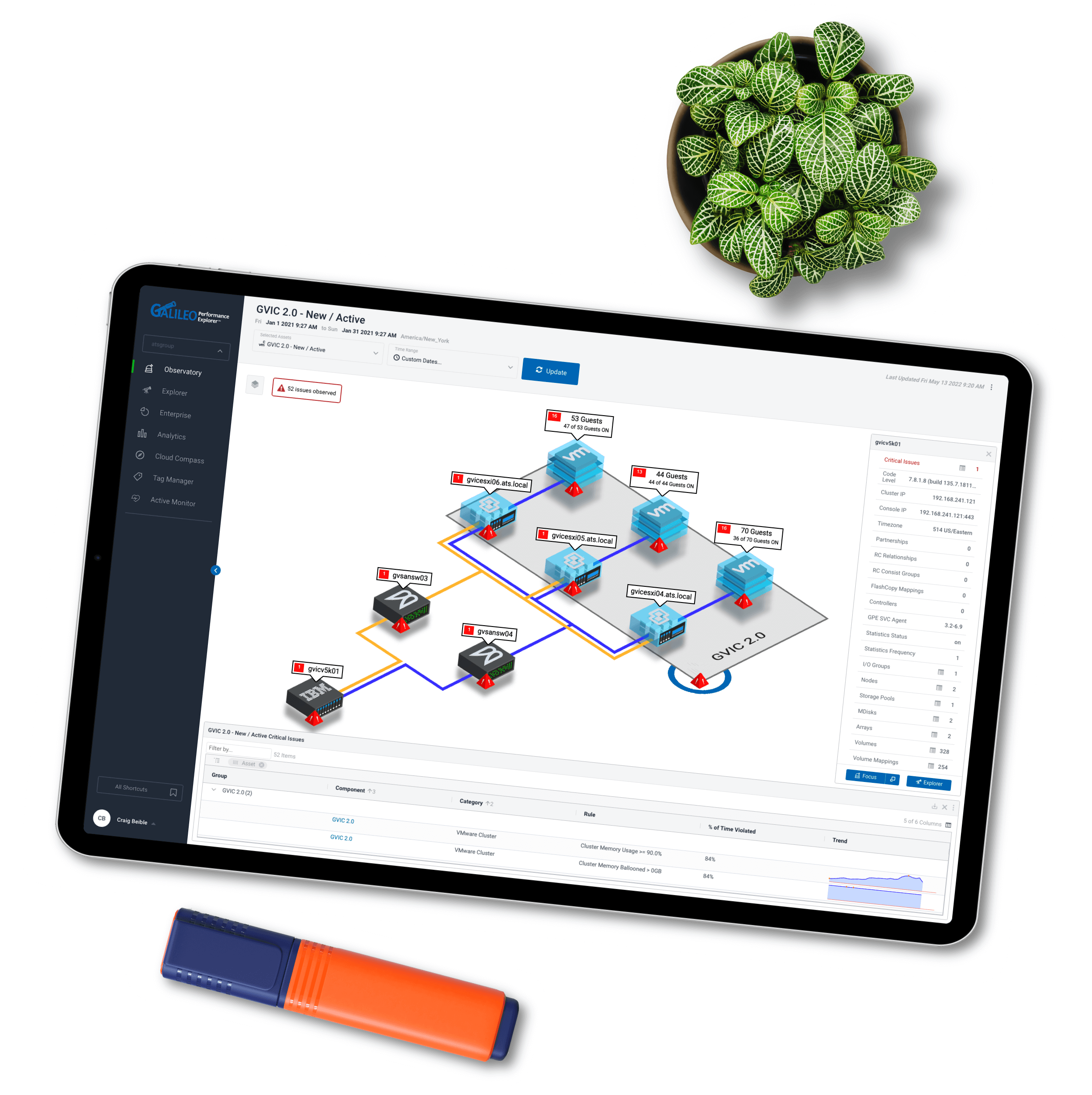
Intuitive for the rest of us.
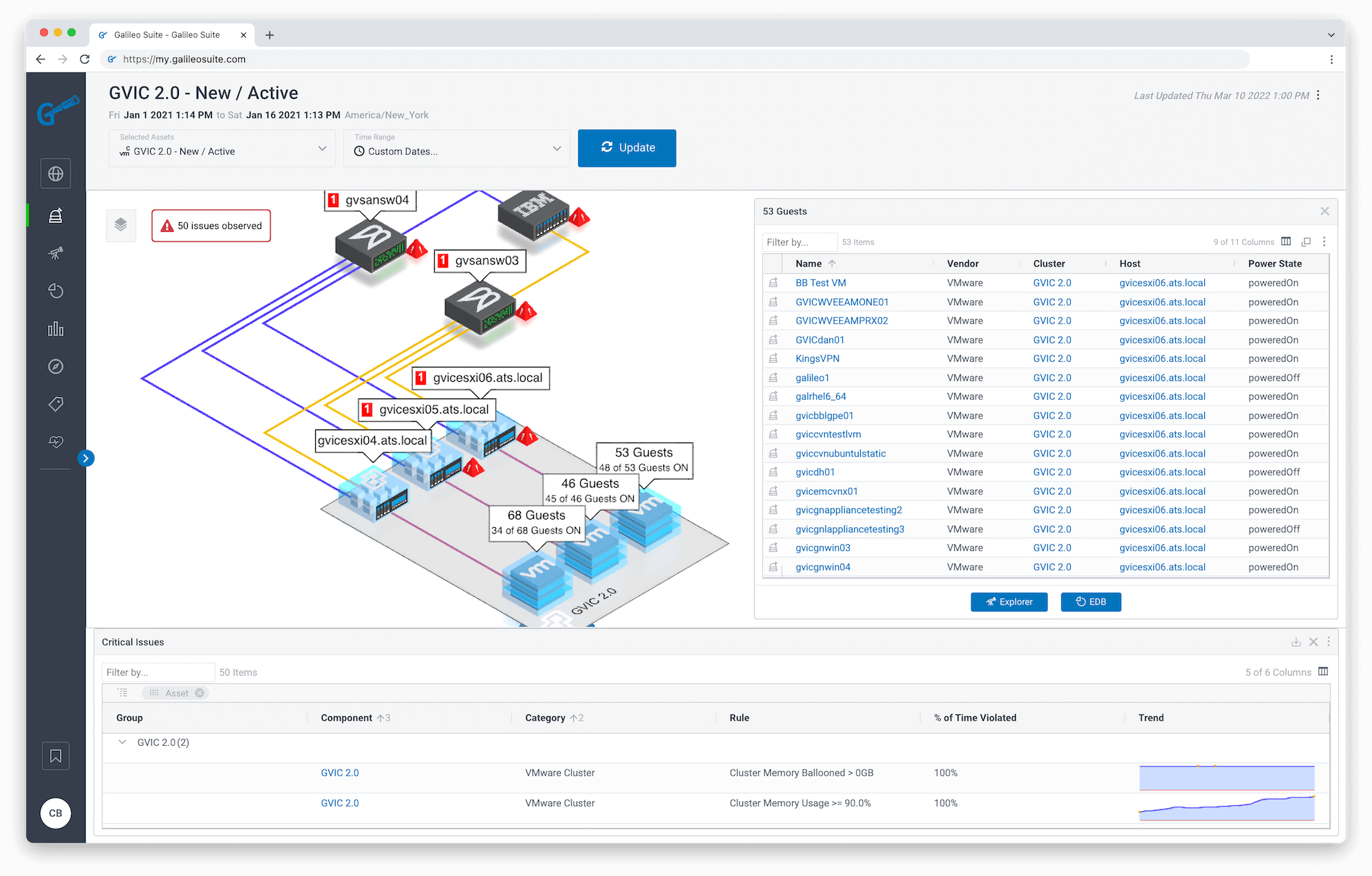
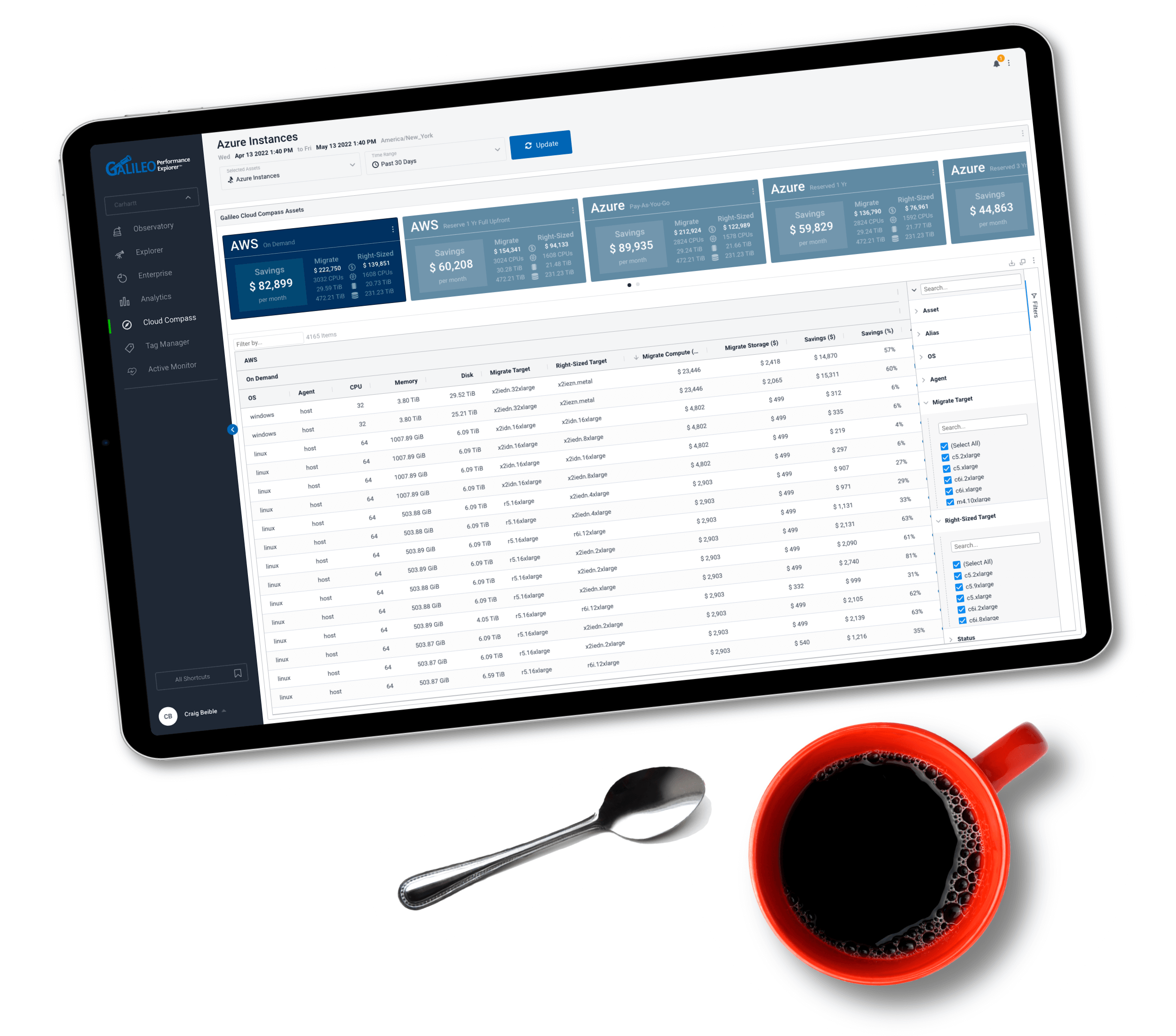
Preconfigured dashboards, intuitive navigation, and an immersive 3D experience provide immediate visibility and collaboration for anyone to find and resolve issues quickly.

A snap to configure.
Be up-and-running in minutes with agentless connectors, preconfigured agents for many of the most popular platforms, and out-of-the-box dashboards and views.
Plays nicely with your other tools.
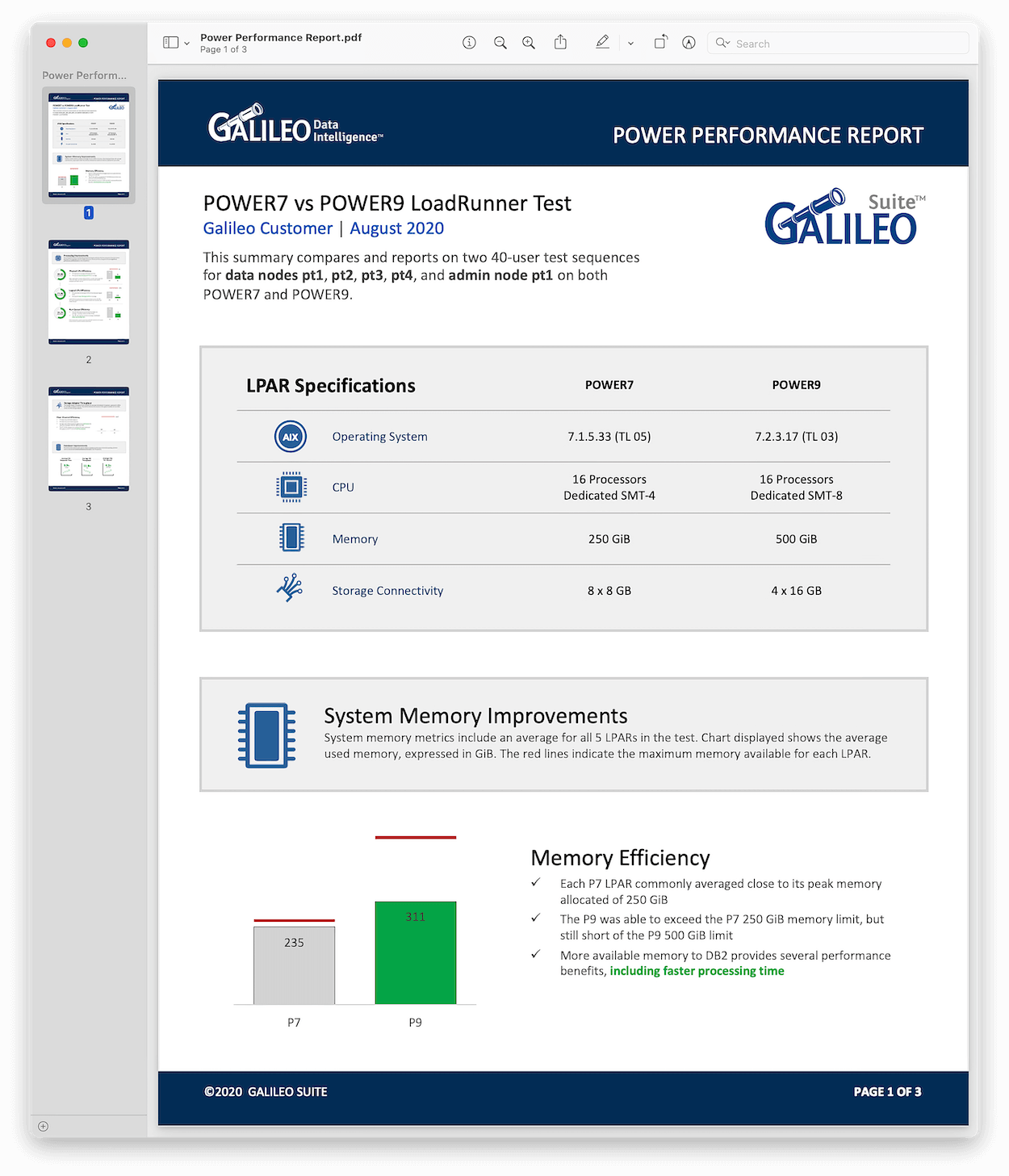
Galileo is designed to integrate with popular third-party platforms such as Splunk and ServiceNow to help you maximize the investment in your existing applications.

Backed by a trusted technology partner.
Galileo’s engine is fueled by a technology company that has helped businesses solve complex IT issues, so you can count on us for expert advice and relentless support.
Built to keep you focused.
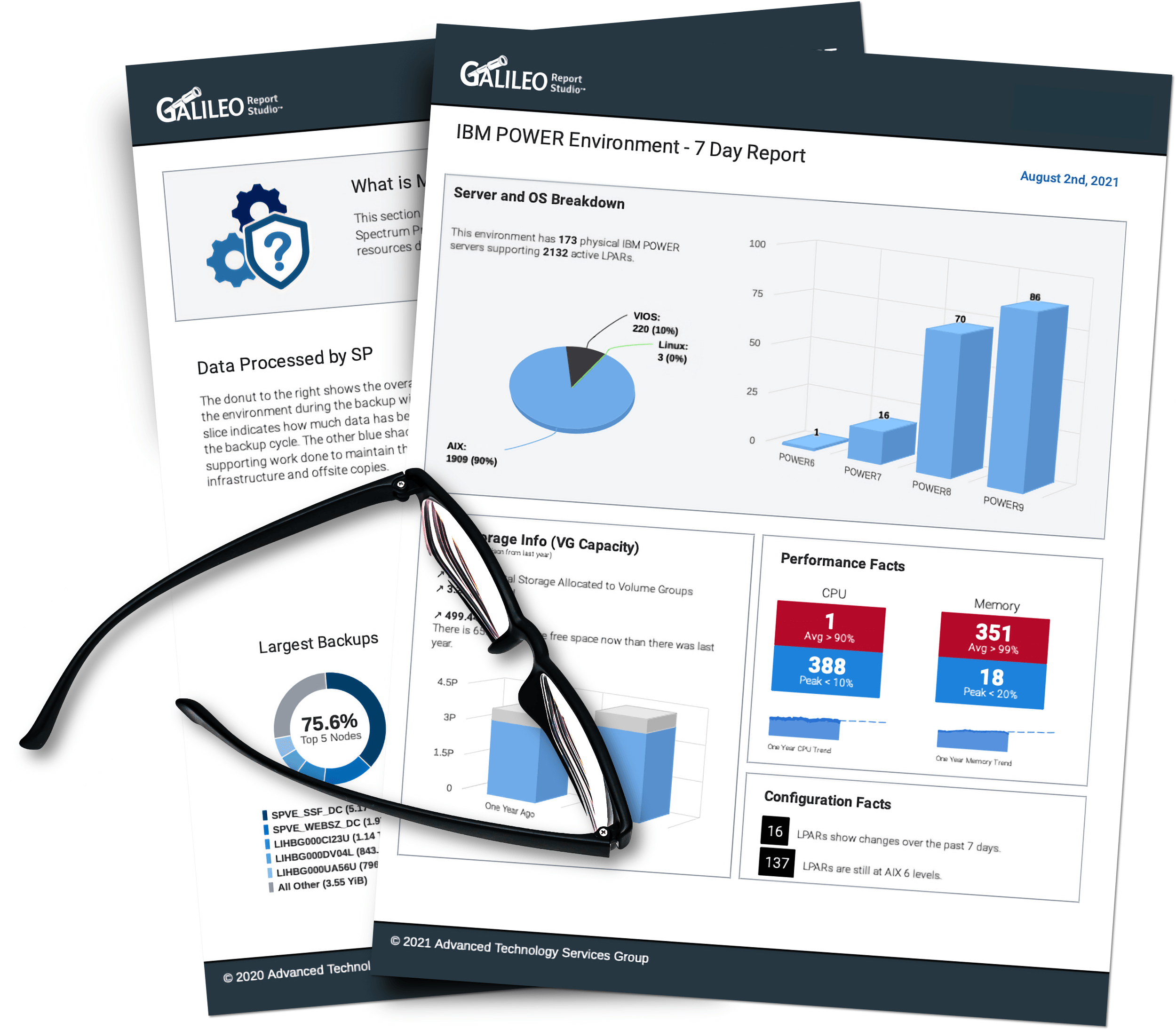
Our intelligence comes built-in.
Connect to anything in your environment.
And dive even deeper with our expertly-designed preconfigured agents.
IBM AIX

IBM i / AS400
Linux
Nutanix

VMware
Windows
EMC Storage
IBM Storage

Hitachi

InfiniBox

Netapp
PureStorage
Brocade SAN
Cisco

Epic

Spectrum Protect

Spectrum Scale
Praise from Galileo clients
Galileo’s team is highly skilled in current and legacy technologies, solving what most providers can’t – or won’t. We help enterprise IT teams see what is relevant, anticipate and adapt to system changes, increase speed to resolution, and reduce operational costs. See what our clients have to say…
Sr. Systems Engineer
Hospital & Healthcare
We use Galileo to quickly determine the source of any issues, prevent outages, and predict future hardware and storage requirements for the critical patient care applications used by our nurses and doctors.
VP, Technical Resources
Managed Service Provider
Galileo is intuitive, easy to implement, and easy to navigate. The product keeps evolving and even allows us to look at EPIC environments, making it a one-stop shop for our team.
IT Director
Government Agency
Galileo is by far one of the best vendor teams I have seen in my career with a complete focus on the customer.
Cloud Engineer
Health Insurance Provider
With Galileo, I can see accurate measurements and trends to keep my hardware costs down.
Sr. Systems Engineer
Hospital & Healthcare
The data provided by Galileo also helps contribute to important revenue streams within the Health System.
Technical Program Director
Hospital & Healthcare
We use Galileo for real-time troubleshooting, performance management, and reporting. Galileo is also used by our governance teams to ensure our service providers meet our SLA and KPIs.
Cloud Engineer
Health Insurance Provider
The data provided by Galileo is far superior to what we are getting from Nutanix. Prism Central often reports that we are out of capacity, but Galileo consistently proves otherwise.
System Admin Manager
Financial Services
Galileo tells us if our environment is configured correctly in 5 seconds instead of 5 hours.
We’re proud to share that Galileo has earned a 5-star rating on Capterra!
See more Galileo user reviews on Capterra.com.

Corporate on-prem and cloud infrastructure is growing in complexity.
Every day, the pressure is on for IT teams to keep systems running efficiently to fuel business growth.
Most IT teams are paying a hefty price for multiple, redundant monitoring tools that delay incident resolution, contribute to silos within the IT organization, and slow down your business. We know firsthand how traditional monitoring tools fall short.
Like you, we manage complex systems. And we’ve felt the pain of configuring a slew of overly complicated tools that failed to give us what we needed. It’s a dumpster fire of time and cash.
That’s why we built Galileo – so ANYONE can quickly and easily solve complex IT issues in your data center. Since 2007, we’ve saved customers money and time by consolidating technology resources, preventing downtime, and providing end-to-end visibility across your entire IT landscape.
Give Galileo a try and consider your infrastructure performance monitoring fixed!

Tim Conley
Galileo Founder &
Principal of The ATS Group
15 minutes is all it takes!
We hate sales calls just as much as you do! So let's cut through the BS.
Talk directly to a technical advocate to see if Galileo is the right fit for your organization.
No sales. Just facts. And all in under 15 minutes!