
SMARTboards
Custom Decision Boards for the Way Your Team Works
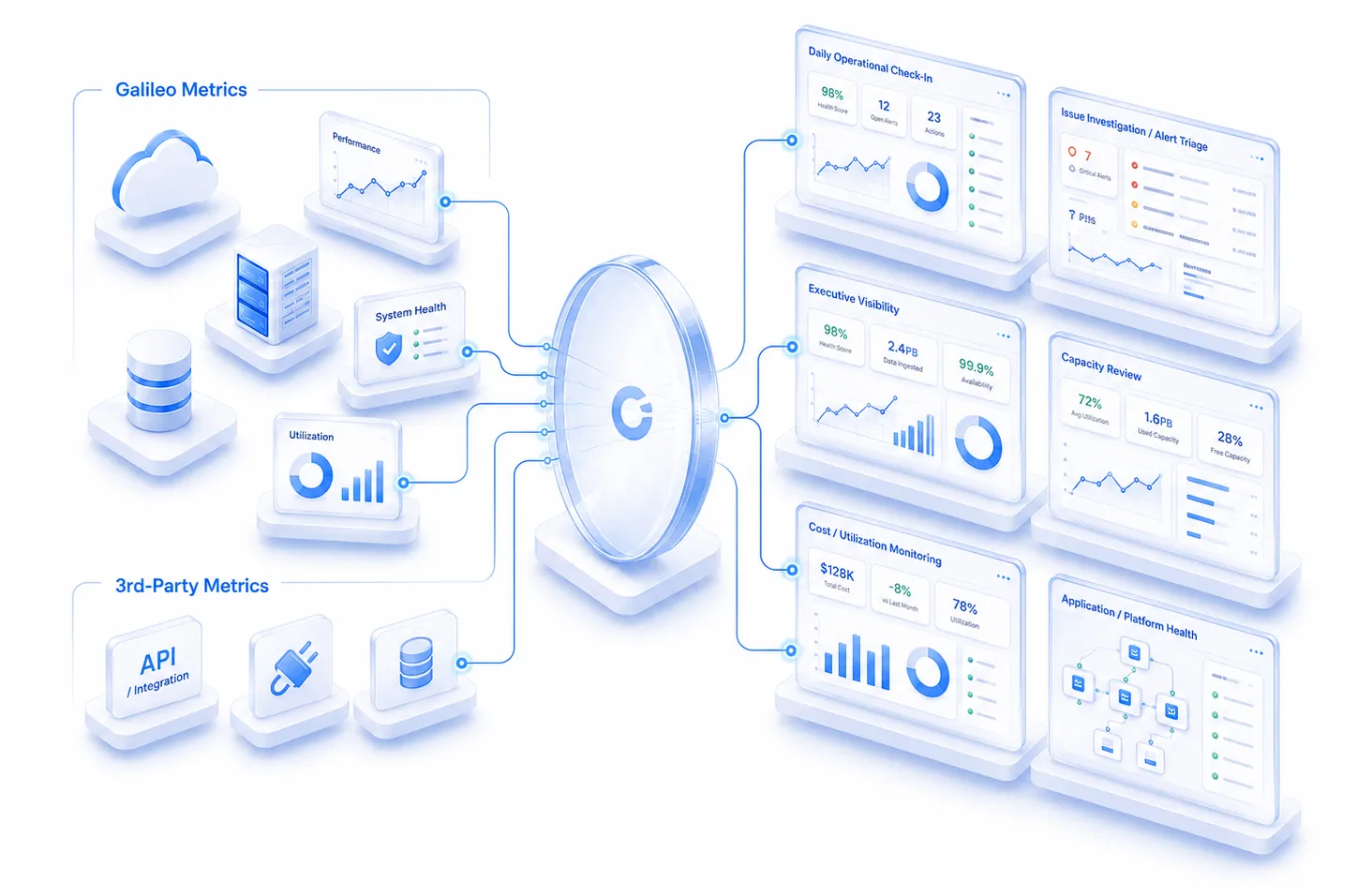
Galileo SMARTboards™ bring key infrastructure, performance, capacity, and third-party metrics into focused views your team can customize, save, and share. Build boards around the systems, services, and questions that matter most to your environment.

Use SMARTboards for daily operational check-ins, issue investigations, executive visibility, capacity reviews, migrations, and any scenario where the right metrics need to come together.
See the Right Metrics Together, in the Right Context
Every team looks at infrastructure differently. SMARTboards give users the flexibility to build views around the questions they need to answer, whether they are tracking performance issues, monitoring key assets, reviewing trends, or comparing current behavior against historical patterns.
Build Boards Around Real Scenarios
Create focused boards for application performance, capacity planning, incident triage, migration readiness, cloud cost review, storage health, or executive visibility.
Combine Galileo and Third-Party Metrics
Pull together Galileo’s infrastructure intelligence with supporting third-party metrics so teams can see a fuller picture in one place.
Cut Through the Noise
Filter, organize, and customize boards so users see the metrics that matter most instead of digging through dashboards that were not built for their workflow.
SMARTBOARD EXAMPLE
Finding the Needle in the Haystack
See how a SQL database can be affected by a Brocade SFP link failure and related Hitachi storage latency — a “needle in the haystack” scenario made easier to investigate in one focused SMARTboard.


Ways Teams Use SMARTboards
Build focused views around the systems, services, and scenarios your team needs to monitor, compare, and act on.
Incident Triage
Migration Planning
Executive Health Views
Team-Specific Views
Application monitoring
Cost & Utilization Visibility
Platform-Specific Views
Capacity & Trend Reviews
Before / After Comparisons
SMARTboards in Everyday Operations
SMARTboards can be built around the way teams actually work, from daily system checks to deeper investigation when something needs attention. Create a focused board for the task at hand, then return to it whenever that view is needed again.
Issue Investigation
Use a SMARTboard to pull related metrics into one view so teams can chase down performance issues without jumping between tools.
Daily System Health Check
Start or end the day with a focused view of the systems, applications, and platforms your team needs to keep an eye on.
Executive Status View
Create a high-level board that shows leadership the current health, risk, and performance of key environments.
Capacity or Migration Review
Compare utilization, trends, and projected needs when planning growth, migrations, or infrastructure changes.
Build the Board Your Scenario Needs
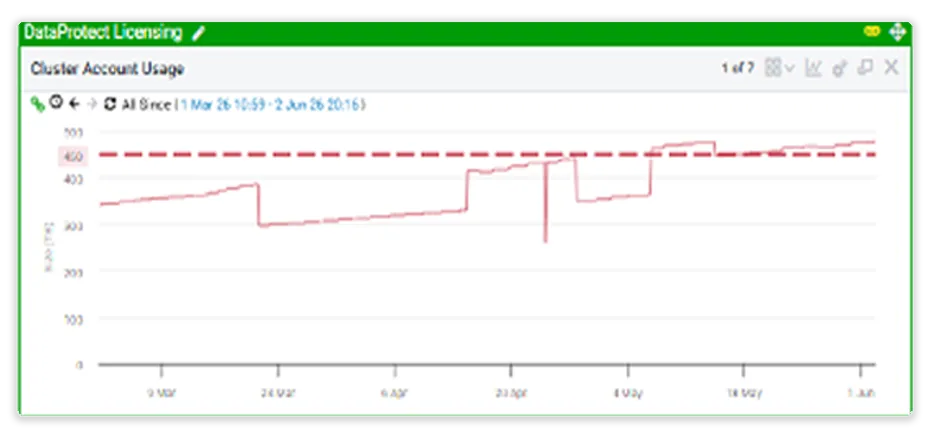
SMARTboards let teams combine charts, tables, filters, time ranges, notes, and external metrics into focused views for the work in front of them. Build one board for incident triage, another for executive visibility, another for capacity planning, and another for team-specific monitoring.



Scenario-Specific Views
Create boards around incidents, applications, platforms, migrations, or leadership reviews.
Metrics in Context
Bring performance, capacity, cost, utilization, and third-party data into one focused view.
Reusable Team Views
Save and share boards so teams can return to the same operational context without rebuilding from scratch.
SMARTboards Are Working Views. Reports Are Finished Outputs.
Use SMARTboards to monitor, investigate, compare, and act on metrics in context. When the answer needs to become a polished, repeatable deliverable, Galileo Reporting turns the same data foundation into stakeholder-ready output.
More Control Over Every Board
SMARTboards include tools that help teams customize, organize, share, and reuse the views they rely on most.
Print Preview
Directly print from SMARTboards for easy sharing and documentation.
Organizational Tools
Create multiple groups for better data organization.
Save or Discard Changes
Flexibility to save or discard modifications as needed.
Share and Import
Share and import SMARTboards with other users.
Custom Text
Add or modify custom text in charts and tables to highlight important details.
Auto Sync
Seamless synchronization between open browser tabs.
Customizable Content
Add any trend chart, pie chart, or table to your SMARTboard with persistent series, time ranges, and filters.
Flexible Time Ranges
Set time ranges globally for the entire board, part of the board, or individually for each chart.
Build a Smarter View of Your Environment
See how Galileo SMARTboards help teams bring the right metrics together for faster, clearer infrastructure decisions.